
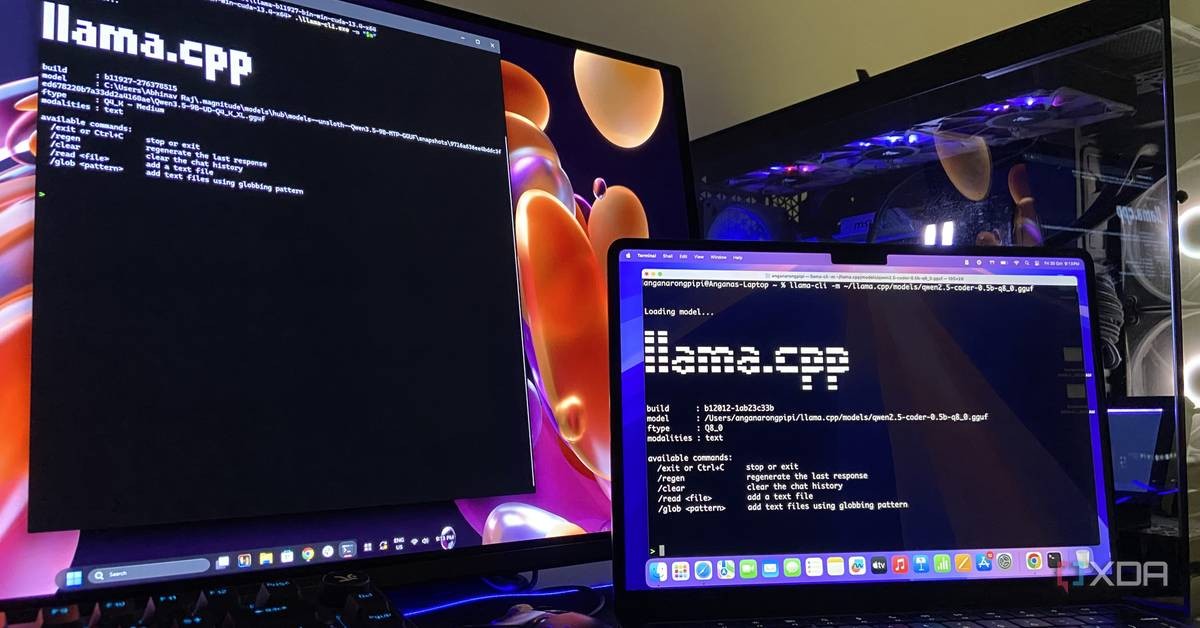
Two configuration flags in llama.cpp can multiply local inference speed on hardware with limited VRAM, according to testing published by XDA-Developers on October 31, 2026. A mixture-of-experts offload flag took a 35B-parameter model from 4.02 to 32.82 tokens per second on a laptop with 8GB of VRAM, an eightfold gain that required no new hardware.
The finding matters for anyone running local large language models instead of paying for cloud subscriptions. The bottleneck is rarely the GPU. It is the default configuration of beginner-friendly runtimes, which decide memory splits, context allocation, and optimization switches without asking the user.
The protocol problem: defaults decide performance
Ollama and LM Studio remove setup friction. Both ship a graphical interface, load a model in minutes, and never require a terminal. The trade is control. The runtime, not the operator, chooses how the model is split between GPU and system RAM, how much memory goes to context, and which optimizations run at all.
Both runtimes use llama.cpp as their inference engine, the XDA-Developers report notes. The author, a writer who has built three high-performance PCs since 2018, runs llama.cpp directly because the flags that matter are either buried in the GUIs or absent. llama.cpp exposes the full parameter surface. That is why the report calls it the gold standard for local inference.
MoE offloading: park the experts in system RAM
Mixture-of-experts architectures store most of their weights as a pool of experts, but only a few experts activate per token during inference. That makes the expert pool the safest component to move off the GPU, since idle weights cost bandwidth without producing tokens.
llama.cpp's --n-cpu-moe flag offloads a chosen number of expert layers to system RAM while the rest of the model stays resident in VRAM. The benchmark: Qwen3.6-35B-A3B at UD-IQ4_XS quantization, on a Lenovo Legion 5 Pro with a mobile RTX 3070, 8GB of VRAM, and 32GB of DDR4-3200.
With zero offload, the model produced 4.02 tokens per second. With --n-cpu-moe set to 28, output reached 32.82 tokens per second. LM Studio offers a slider for the same adjustment. Ollama currently exposes no equivalent setting.
System RAM has become a first-class performance spec for local inference, as Compute Market's 2026 hardware guide reports, because model sizes are scaling faster than consumer VRAM. More users now run models that only partially fit in GPU memory, which makes offloading strategy a governance decision, not an afterthought.
Speculative decoding: a draft model for dense architectures
Dense models touch every weight on every pass. There is no idle expert pool to relocate, so MoE offloading does not apply. The alternative is speculative decoding: a small draft model writes the next few tokens, then the target model reviews the batch at once, keeping the tokens it would have produced anyway and resuming from the first divergence.
Gemma 4 implements this as multi-token prediction, and Google ships a matching drafter. The XDA-Developers setup pairs Unsloth's Gemma 4 12B QAT build with its 242MB MTP drafter at 32K context.
The measured result: 179 tokens per second with the drafter, against 75 tokens per second without it, at identical sampler settings. The drafter consumes a few hundred megabytes of VRAM, so operators should budget for it in the memory map.
Further optimization surface
Expert offloading and speculative decoding are entry points, not the full configuration space. The report identifies remaining levers: KV cache quantization, context size tuning, and quantization format selection. Each one trades precision or memory for throughput, and each one is invisible to users who never leave a default GUI.
The stakes are economic as much as technical. A correctly configured local stack can run models larger than its VRAM rating suggests, at speeds that compete with a $20 monthly cloud subscription, while keeping sensitive data off third-party servers. daily.dev's coverage of the report frames the same conclusion in blunt terms: two runtime settings, no new hardware, no subscription.
For the local inference community, the lesson is structural. Performance is not a property of the machine; it is a property of the configuration. The operator who reads the flags controls the stack. The operator who accepts defaults inherits whatever the runtime decides, and the runtime does not publish its reasoning.
FAQ
What does the --n-cpu-moe flag do?
It moves a chosen number of mixture-of-experts layers from VRAM into system RAM during inference, keeping the rest of the model on the GPU. On a laptop with 8GB of VRAM, it raised Qwen3.6-35B-A3B throughput from 4.02 to 32.82 tokens per second.
Can you offload a dense model the same way?
No. Dense models activate all weights on every pass, so there is no idle portion to park in system RAM. The recommended approach is speculative decoding with a small draft model, which took Gemma 4 12B from 75 to 179 tokens per second.
Do Ollama and LM Studio support these settings?
Partially. LM Studio offers a slider for MoE offloading. Ollama currently exposes no equivalent control, which is why the report recommends running llama.cpp directly for full access to the parameter set.